
 Likes:
 Reply With Quote
No limit, it will get re-sized automatically.
Originally Posted by rnvinc


 Thanks: 0
 HaHa: 0

 Founder Crappie.com Est.1996


FYI: You can not post pictures till you've made 3 posts, and have been a member for 3 days. After that, you get promoted to a user group that allows pic posts. It used to be 5 posts and 5 days, but I just now changed it to 3 and 3. This is part of the system to prevent spam.
Owner
"Wear your PFD" "No texting n driving" slab
Crappie.com members are the best
Family, Friends, Fishing and Fun
Founder Crappie.com Est.1996
No limit, it will get re-sized automatically.
"Wear your PFD" "No texting n driving" slab
Crappie.com members are the best
Family, Friends, Fishing and Fun
 Crappie.com 2016 Man of the Year
* Member Sponsor
Crappie.com 2016 Man of the Year
* Member Sponsor
Hmm..When I select a pic from my computer...its shows in the upload panel with a red exclamation point to the right of it..when I hover over the exclamation point..it says "File Too Large"..and will not upload...
Now, I know, indeed, that the pic was taken at the highest resolution (3264 X 2448) on my digital camera, but the editor is not resizing the pic automatically...
www.podunkideas.com <--Click here
------------—————
https://www.crappie-gills-n-more.com/
https://cornfieldfishinggear.com/
------------------------>> Pro Staff Sonar Advisor
Founder Crappie.com Est.1996
Oops. I'll look into it a little more.
Prolly cause I'm the admin I have no limits. If you're seeing that, looks like you do have a limit and do have to resize first.
"Wear your PFD" "No texting n driving" slab
Crappie.com members are the best
Family, Friends, Fishing and Fun
 Super Duper Moderator - 2012 Crappie.Com Man of the year & 2018 Crappie.com Decade of Exceptional Service Awards
* Crappie.com Supporter * Member Sponsor
Super Duper Moderator - 2012 Crappie.Com Man of the year & 2018 Crappie.com Decade of Exceptional Service Awards
* Crappie.com Supporter * Member Sponsor
You have to use microsoft paint which should be on your computer.....resize your pics to 650X490 and the will work just fine then. This keeps the pics from being big and folks having to scroll and scroll and scroll to try to see them. I had to do this when we were on the old format as well.
I have spent most my life fishing........the rest I wasted.
PROUD MEMBER OF TEAM GEEZER
PICO Lures Field Rep

 Trophy King
works great thanks!

 Crappie Wall Hanger II
test photo
 Trophy King
Thank you!!!
Slabmaster
Trying to post pics just a test.
Glynn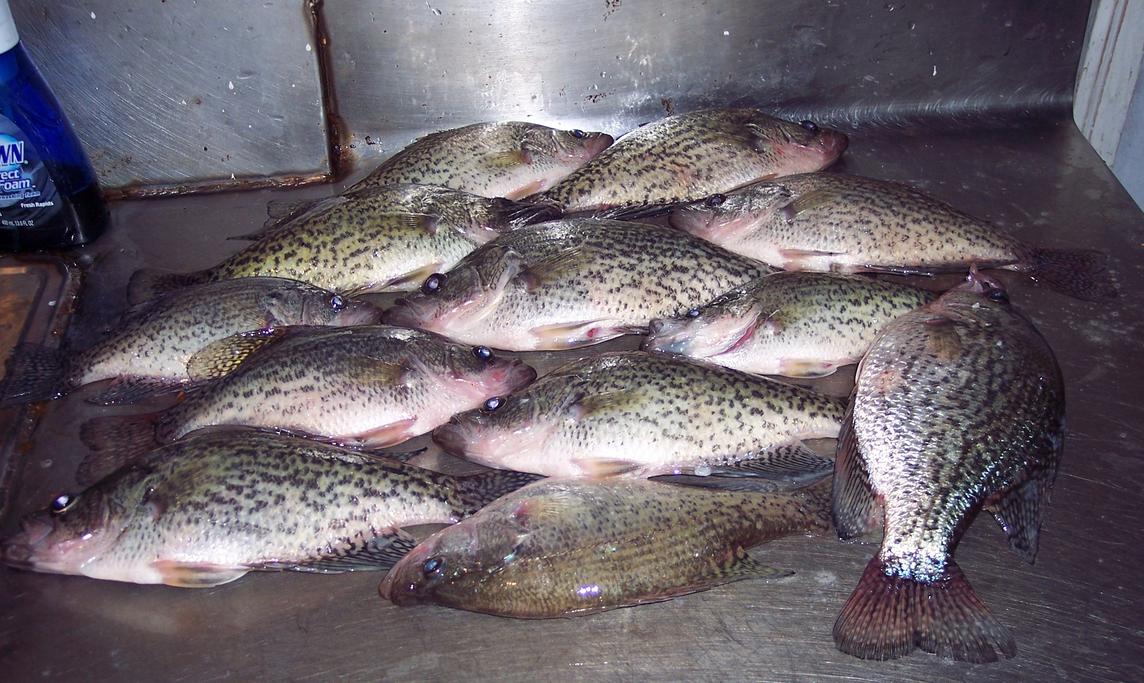
Crappie.com 2K Star General
Test
Lets see if this works
Posting Permissions
















